
Support Center

Need more help?
Reach out to support@sosha.ai with any additional questions or submit a ticket below.
Submit ticketHow to Google and Meta Tracking pixels
SoSha integrates your tracking pixels from Google and Meta to allow for retargeting of your toolkits' sharers and clickers.
If you use tracking code from Google and Meta to power paid advertising campaigns, SoSha users on Pro plans and above can enter the pixel details into the Sosha portal to enable tracking and retargeting of sharers.
To implement the pixels:
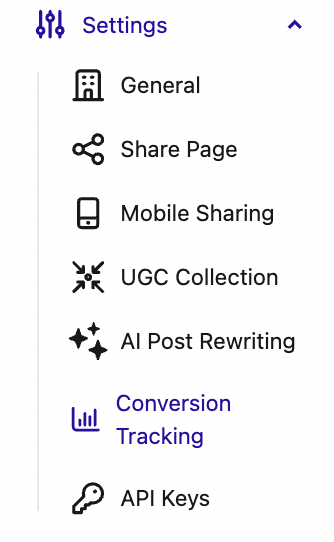
Head to your organization’s settings page in the SoSha portal and click ‘Conversion Tracking.’
In the External Tracking menu, click edit then enter your pixel details:

Click Save to finalize.